

HOW WE DIFFER FROM OTHER SERVICE CENTERS
We provide the cheapest laptop repair in Malad. We use original software. When original software is used, your device will not crash or hang repeatedly, Here at Laptop Service Center Malad Mumbai, we don't just provide repair services, we also teach customers preventive techniques and laptop care for their devices.
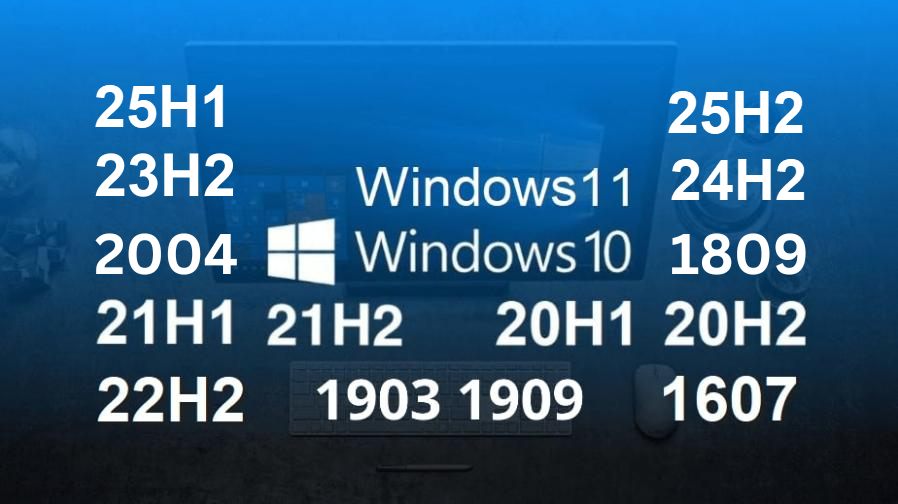
THESE ARE FAULTY VERSION OF WINDOWS 10 AND WINDOWS 11
These are the faulty windows versions. It can cause the below issues if not fixed immediately.
- Laptop gets slow
- System Freezes
- Hard Disk gets damaged due to high Disk utilization and overheating.
- CPU gets damaged due to high CPU utilization and overheating.
- Eventually CPU and motherboard gets burnt.
Here at Laptop Service Center Malad We recommend using windows version 1803 for best performance of your computer. We tell customers to not update your windows operating system because updates are not tested. There is a concept in IT which says you shouldn't fix something that isn't broken. Thus do not update your windows. Windows 10 is not supported on 12th Gen, so we will have to put windows 11 and then harden the OS.
Post March 2025 since we have released the most stable version of Windows 10 22H2 V6 LSC version, we are installing only that from now on. Latest 2025 applications have been tested for compatibility.
#osversion
WHICH OPERATING SYSTEM SHOULD I INSTALL ON MY COMPUTER
Laptop Service Center Malad Mumbai would like to advise you that in case you are facing the below issues, it is most likely that you are working a faulty version of windows.
- Wireless not working
- Bluetooth not working
- Unable to print
- Sound not working
- Mic not working
- Display issues( screen can flicker)
- CPU spike occurs, leading to over-heating
- Disk spike occurs, leading to disk and SSD damage
- If SSD is present, Disk spikes and CPU spikes are both disguised
- Battery will drain fast
- Windows crashing with blue screen
- Laptop is stuck in a cyclical loop and keeps restarting
- Laptop goes very slow and hangs
- Laptop not booting into windows
- Printer doesnt work properly
- USB Drives are not getting detected.
- Slow laptop shut down
- Applications are incompatible
- Camera not working
- Laptop sometimes charging and sometimes not charging
- Keyboard not behaving properly
- Touchpad not working properly.
- Touch Screen not working properly.
- Laptop always staying on and not going off.
Here at Laptop Service Center Malad, we recommend Windows 7 Pro 64 bit and Windows 10 Pro 64 bit . And we do the quickest Laptop format in Malad.
Please see below faulty operating system:
- Windows XP (End of support by Microsoft, OS is slow and faulty)
- Windows Vista (End of support by Microsoft, OS is slow and faulty)
- Windows 7 Ultimate (Originally developed for corporate but failed, OS is slow and faulty)
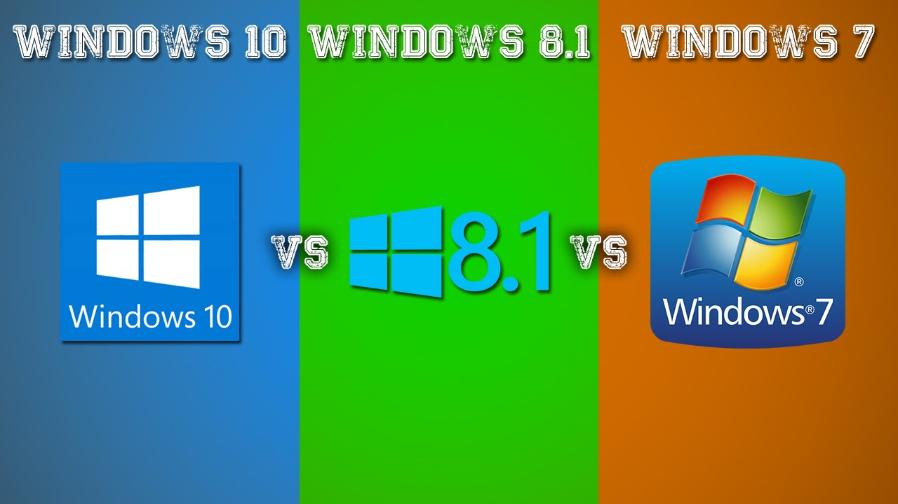
- Windows 8, 8.1 (Developed for touch screen but driver and application incompatible, OS is slow and faulty)
- Windows 11 (Operating system is Majorely unstable, slow and faulty.)
#osmodel
WHY NOT TO BUY A NEW LAPTOP
- Riveted keyboard The old laptop keyboards have only two screws, but now the new laptop keyboards have 100 rivets which takes 6-7 hours to replace using a soldering iron. Authorized service centers charge 20,000 to replace riveted keyboard since they change the whole top body.
- Batteries have become sealed components. In new laptops, the battery is not removable. The new batteries which come in part centers do not match and thus are non replaceable.
- Memory Ram is soldered on motherboard in new laptops. the RAM is fixed on board due to which it is not possible to replace a faulty ram nor upgrade it. On older laptops ram upgrade and replacement is much easier.
- Data cannot be recovered.
- Hard disk is soldered on motherboard in new laptops. In order to upgrade, the motherboard will have to be changed which has the same price as compared to a new laptop.
- Hinges have become more succeptable to damage. The older laptop hinges were much stronger.
- Keyboards are more succeptable to liquid damage. They get affected by moisture more easily.
- Power button has been incorporated in the keyboard of new laptops. Thus, if the keyboard gets spoilt you cannot switch on the laptop.
- On touch screen laptops, bezel has been removed. This makes it difficult to replace the screen. Since the touchscreen has been glued to the back body.
- Hinge frame has been removed. When the hinge frame is removed the screen breaks easily because it pushes the screen outside and the screen is not held by the hinge frame anymore.
- Processor power has dropped in new laptops need to be atleast above 2.0Ghz. Processor speed lower then that will not be able to support current day applications like Zoom, Microsoft Teams, Google Meet.
- Authorised Service Centers do not cover warranty of any part that has been damaged by power surge, liquid or by impact damage. They don't cover software either as windows is not owned by them. Windows is owned by Microsoft.
- Authorised service center do not do data recovery and they do not take responsibility for the loss of customer data.
- The new motherboard are very sensitive to power fluctuations and get damaged easily.#new laptops
DO NOT LEAVE YOUR COMPUTER ON SLEEP MODE.
A computer going into sleep mode is not the same as being shut down. The device is left on in a low power state. This can result in Hard disk getting damaged. IT team’s first question when a problem with a device is reported is often, “have you tried restarting your computer?” or “have you tried turning it off and on again?” It’s easy to get offended when this question is asked, but the truth is that many problems can be resolved by a simple reboot. In fact, the longer you leave your computer on without restarting it or shutting it down, the more likely it is to start experiencing issues.
Hard drive damage: Do not carry your laptop while it is on sleep mode, especially sideways. Since your hard disk is running at 5400 revolutions per minute, it will get damaged, since the head of the disk is supposed to be spinning horizontally, and cannot spin vertically.
As a general rule, computer should be shut down every night to achieve their best performance. Note that a computer going into sleep mode is not the same as being shut down; there are still processes running in the background while it’s in sleep mode. Restarting or shutting down the computer clears all running processes thus freeing up the memory, allowing the PC to run faster. Here at Laptop Service Center Malad Mumbai, we also teach laptop care to prevent damage and extend the life of your laptop. To summarize, if you use sleep or hibernate mode, there us a chance the system OS will get corrupted and the laptop may not start again.
#sleep mode
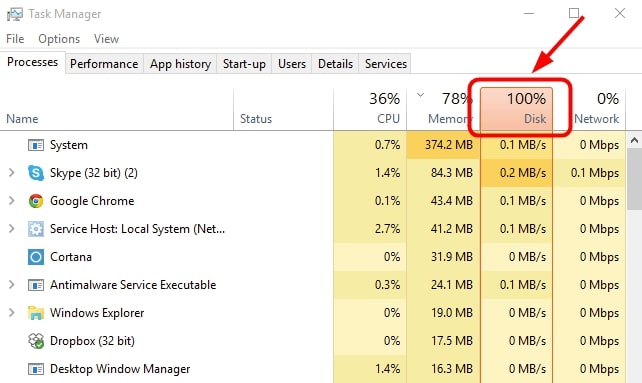
DISK UTILIZATION USAGE
If the disk utilization is spiking at 100%:
- This will slow down your computer
- Disk will spin without stopping
- Disk will eventually get damaged.
Disk utilization spikes are caused by:
- Viruses
- Pirated OS
- Failed OS updates
Here at Laptop Service Center Malad Mumbai, we fix Disk utilization issues and and improve your Disk performance.
#Disk spike
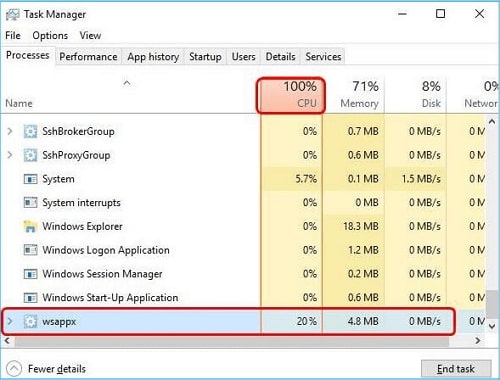
CPU UTILIZATION USAGE
If the CPU usage spikes up to 100%:
- Laptop will become slow
- Processor over heats and gets burnt.
- Disk can also be damaged in this process.
CPU spikes are caused by:
- Viruses
- Pirated OS
- Failed operating system updates.
- Low clock speed
Here at Laptop Service Center Malad Mumbai, We fix CPU utilization issues.
#CPU spike
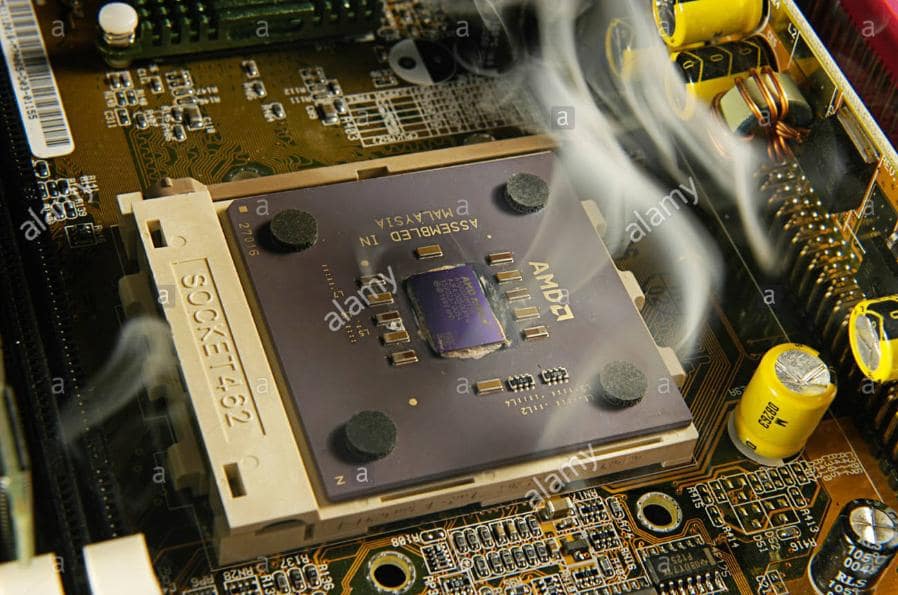
AMD PROCESSOR OVERHEATING
We never recommend a customer to buy AMD processor due to overheating issues. It is not designed for India but meant for colder countries in europe, etc. Here at the Laptop Service Center Malad, we update our customers on how they should care and protect their devices.
#AMD overheating
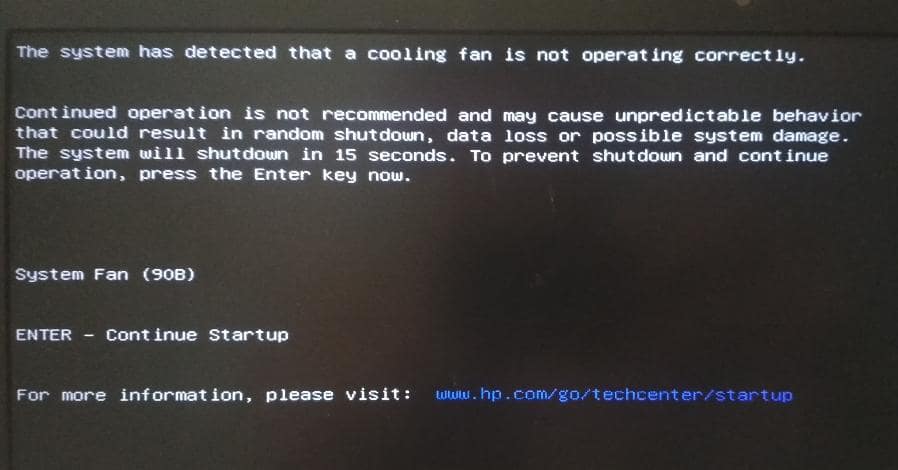
system Fan 90B error
This indicates the CPU power panel is not working and needs to be replaced. This can get damaged by Electrical Surge when connecting directly to power socket. Power socket can also be faulty. Please use a surge protector and get the socket tested to prevent recurrence.This is best done by an experienced and trained professional. Here at Laptop service center Malad Mumbai we do CPU power panel replacement.
#90b
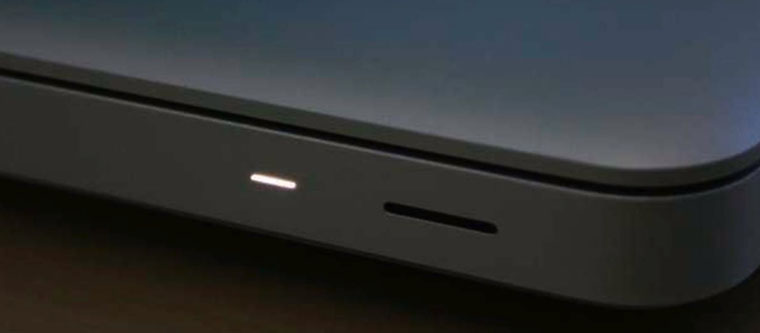
THE 3 LOWER POWER MODES ON A LAPTOP
Laptops have three low-power level states when not in use; sleeping, hibernating and shut down. When in sleep mode, the laptop shuts down parts of itself but keeps a snapshot of what was being done earlier to get back to it later. When in hibernating mode, the laptop shuts down more portions of itself for a deeper sleep and lesser power.
The only main difference noticed is it will take more time to boot up. Shutting down a laptop uses more power in the long-run because the system is more strained during the shutdown and boot up. This is true in older models. In modern models, the newer tech. makes shutdowns go more efficiently. Sleep mode does suck up a bit more power than a laptops that’s been shut down, but the difference is insignificant. Shutting down the laptop may cause data corruption in any files being tried to open. When putting the laptop in these modes, there is a chance it may not start again.
© Copyright Laptop Service Center Malad