LAPTOP Battery NOT CHARGING
Is your laptop not turning on? It is a common misunderstanding that a laptop does not turn on because the battery is not charging. While this may be true for mobiles, this is not the case with laptops. All laptops can work normally without the battery while on direct power supply from the laptop charger.
When a laptop does not turn on, the motherboard may have died.
In this case we do a complete disassembly of your laptop. Your motherboard is then placed under a scope. We check your board for faulty ICs using a schematic chart and schematic diagram.
We check for voltage connectivity and link of the ICs
There are four main reasons why your laptop won’t turn on.
- Motherboard Surge damage
- Motherboard liquid damage by shorting
- Motherboard liquid damage by rusting
- Impact damage
We replace the damaged ICs, remove the shorting and rusting from the board by applying flux and heat. We use new ICs and we give a month’s warranty on laptop board repairs. At Laptop service center Malad Mumbai, we use state of the art board repair tools to ensure your board is repaired permanently. To prevent recurrence we recommend to check wall power sockets for correct polarity. We do not recommend to use power direclty from wall sockets nor through spike guards but soley through surge protectors. To keep moisture at bay, it is advisable to store your laptop when not in use (night) in your laptop bag along with a moisture prevention kit to get 70% moisture protection or in an airtight plastic storage container with a moisture prevention kit to get 99% moisture protection.
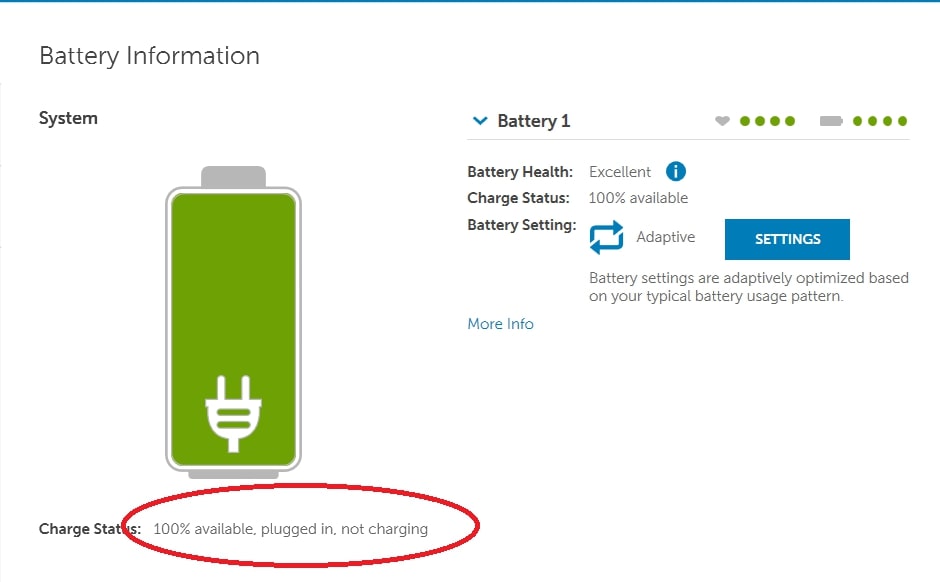
Here at Laptop Service Center Malad, we fix Laptop Not Charging by checking Laptop Battery.
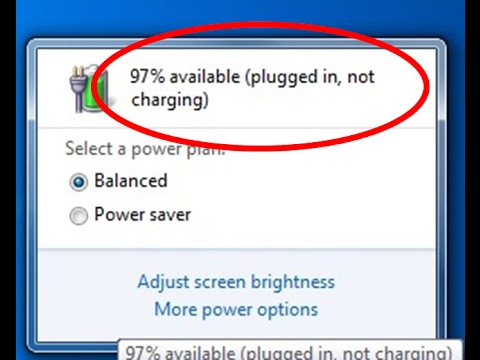
Plugged in NOT CHARGING
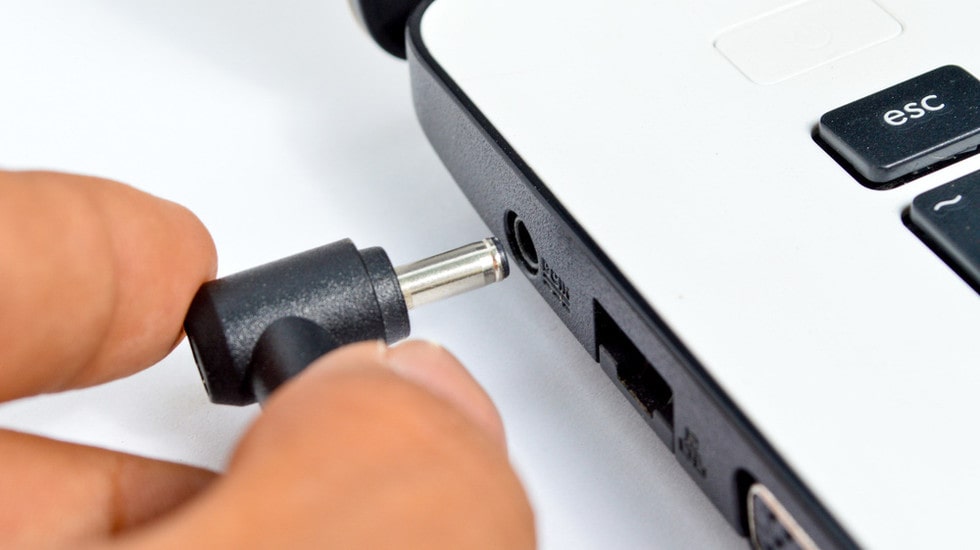
Is your laptop not charging?
There are four main reasons why your laptop battery not charging.
- Charger may be faulty
- Battery may be dead
- Logic board may be faulty
- Charging IC replacement
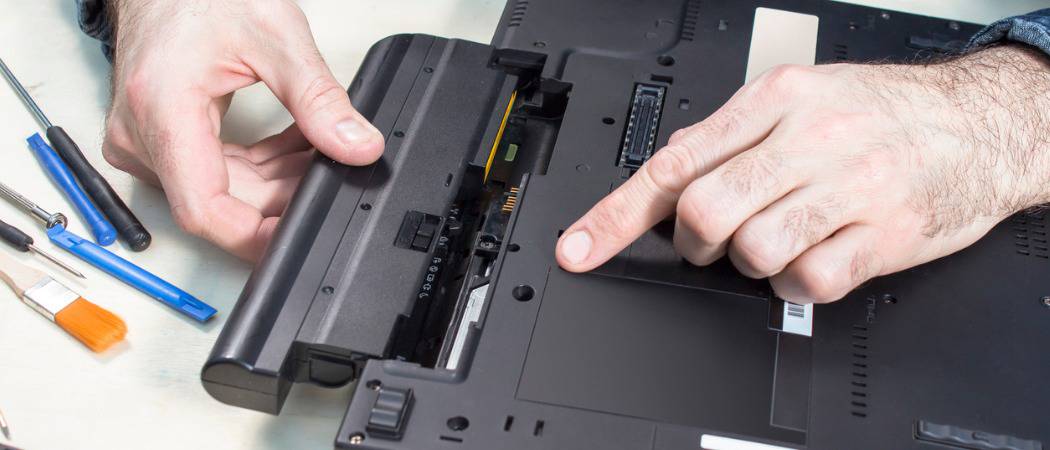
CAN YOU USE YOUR LAPTOP WITHOUT ITS BATTERY?
Unlike a mobile phone, you can use your laptop without its battery. Yes, you can run your laptop without battery but you need to keep your charger plugged in. Hard disk damage: However if the charger gets unplugged by mistake when there is no battery connected, it will result in hard disk to stop working. Here at the Laptop Service Center Malad, we always keep our chargers connected
#battery
Will my laptop turn on without battery
Yes, it will turn on. In older laptops there are 2 batteries; Cmos Battery and Laptop battery. The Laptop battery is responsible only for charging while the CMOS battery is responsible for BIOS configuration and maintaining the clock time. In case, there is no CMOS battery on newer laptops then the internal Laptop battery will do the function of the CMOS battery of holding the BIOS configuration and the time.
The saved BIOS configuration is required to boot into windows and the clock time is required for the internet to function and applications to run. On removing the internal battery, the BIOS configuration gets reset everytime the laptop is turned on along with the time. Thus, in this case the cmos battery is required for the laptop to boot into windows and to maintain time.
SHOULD I DRAIN and recharge my laptop battery each time?
No. You should not drain your laptop battery. A laptop battery has 500 lifecycles. After 500 cycle usage you will need to buy a new battery. Thus each time you drain it , one cycle gets reduced. Thus, the fewer times you drain it, the longer your battery will last. New battery is mean to last 30 - 35 minutes during usage.
Reference : Click Here
Here at Laptop Service Center Malad Mumbai we always keep our laptop chargers connected.
#charge
#drain