- Power surge
- Impact on drop
- Moisture
- Keeping laptop on sleep or hibernate mode.
- Leaving laptop on and carrying in the laptop bag.
- Using laptop on bed or in vehicle while moving.
- We will do a complete disassembly of your laptop.
- We will have to disconnect the motherboard, battery, laptop upper body, laptop lower body, keyboard, and then we will work on the Hard Disk
- There are different speeds and sizes of Hard Disks to choose from.
- On old laptops Hard disks is replaceable. On new laptops the hard disk is soldered on the motherboard and is non-replaceable.
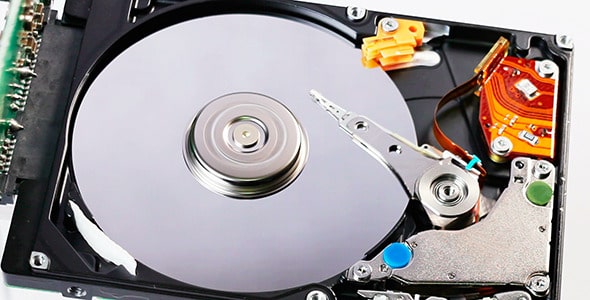
WHY YOU SHOULD NEVER Force SHUTDOWN A LAPTOP?
Force Shutting down a laptop may cause damage to the force drive. A hard disk head reader has two modes: Parking mode and Read-Write mode. When a laptop is safelyshut down, the head reader moves to a parking mode and the PC is turned off. In case a laptop is in this mode and turned off, the reader may still be on the disk. This may get damaged the next time the PC is turned on, since the reader tends to turn left once the laptop is turned on thinking it was in parked state after shutdown.
Hard drive damage: Never force shut down your laptop . Since your hard disk is running at 5400 revolutions per minute, it will get damaged, since the head of the disk is supposed to be move to parked state before turning off. Here at Laptop Service Center Malad Mumbai, we recommend to never froce shutdown your laptop. Since spinning hard disk subject to wear and tear, we recommend our customers to upgrade their storage to SSD.
#forceshut
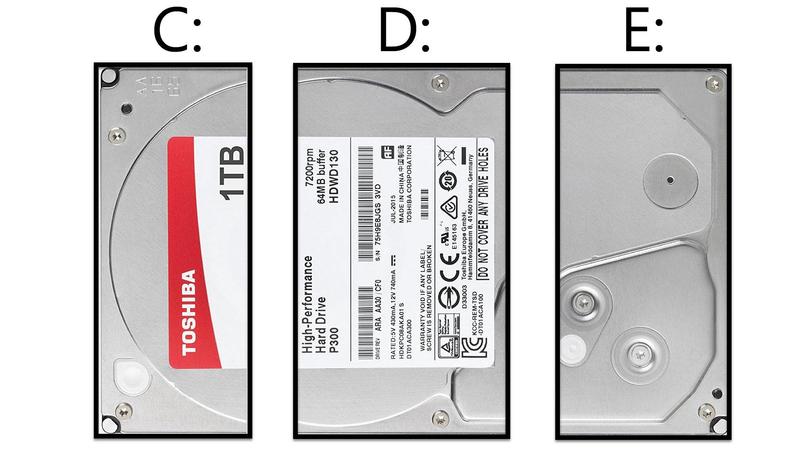
Creating partitions will eventually result in Hard disk getting damaged
There is a common misunderstanding that making separate partitions on the disk will avoid data loss in case of a disk failure. When a disk fails, windows becomes inaccessible. THe only way to retrieve the data in this case is through data recovery.
Hard disk : Making partitions will result in extensive read write on the disk head . We recommend not to partition drives but to use only one drive partition. This will also reduce your read write imprint on the disk, thus extending its lifetime.Here at Laptop Service Center we recommend using only one partition.
#partition
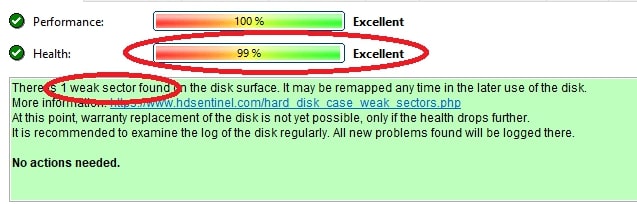
FAULTY HARD DRIVE
If the health of an hard drive falls below 100% by 1% , it means the disk has gotten faulty. Immediately backup all data to prevent data loss. The disk is in failing state, Windows cannot be reinstalled on this disk. The disk needs to be replaced. SSDs can go below 100% as long as there are no weak sectors or data transfer error.
Hard drives can be damaged by:
- Faulty Operating System
- Viruses
- No battery charge
- Putting your laptop on Sleep mode
- Using laptop on Lap or Bed
- Carrying your laptop while it's on
- High Disk Utilization
- Too many partition
#faultyhdd
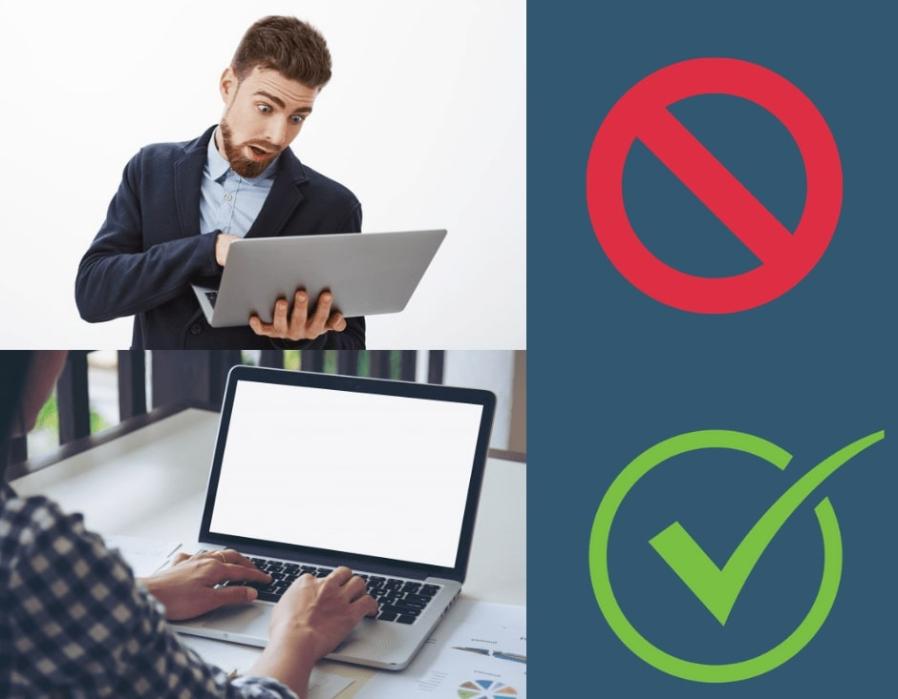
DO NOT CARRY YOUR LAPTOP WHILE IT'S ON.
Carrying your laptop in hand while it is on can result in below issues:
- Loss of Display: Screen can get broken or display can stop working.
- Hard drive damage: Always shut it down to prevent damage to the hard-drive. Hard disk head spins at 5400 revolutions per minute. The disk head reader oscillates 44 times in one second. Carrying a laptop while it on can either damage the disk head or the disk head reader.
- Hinge damage: Carrying the laptop with lid open can cause hinge damage.
Here at Laptop Service Center Malad Mumbai, we also teach Laptop care for your laptop to prevent damage and extend the life of your laptop.
#carry
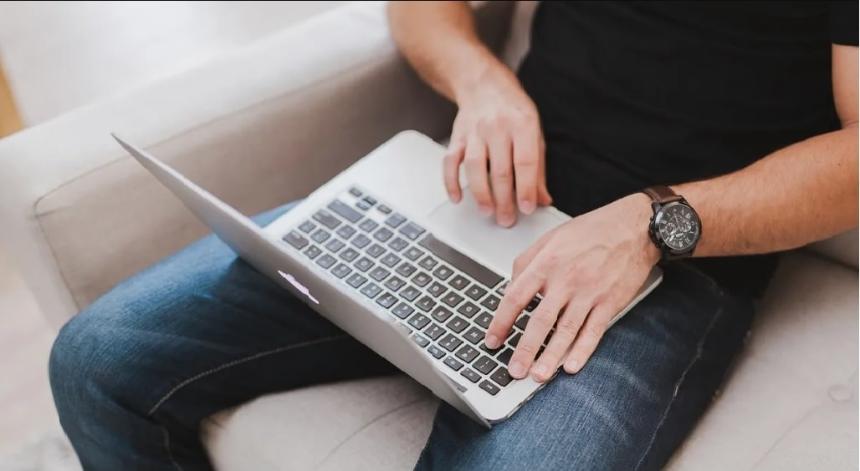
DO NOT USE YOUR LAPTOP ON YOUR LAP
All the laptop air vents get blocked. This will cause your laptop to heat up and burn your motherboard. Always use your laptop on a flat surface like a table or a desk to prevent it from heating up.
- Hinges are also succeptable to damage when not used on a flat surface.
- Hard Disks also gets damaged.
Here at Laptop Service Center Malad , we teach customers how to care for their laptops.
#Lap

DO NOT USE YOUR LAPTOP ON THE BED
This wil get your laptop vents to get blocked. Your laptop motherboard will get burned if it heats up. Always use your laptop on a flat surface like a table or a desk.
- Hinges are also succeptable to damage when not used on a flat surface.
- Hard Disks also gets damaged.
Here at Laptop Service Center Malad , we teach customers how to care for their laptops.
#bed